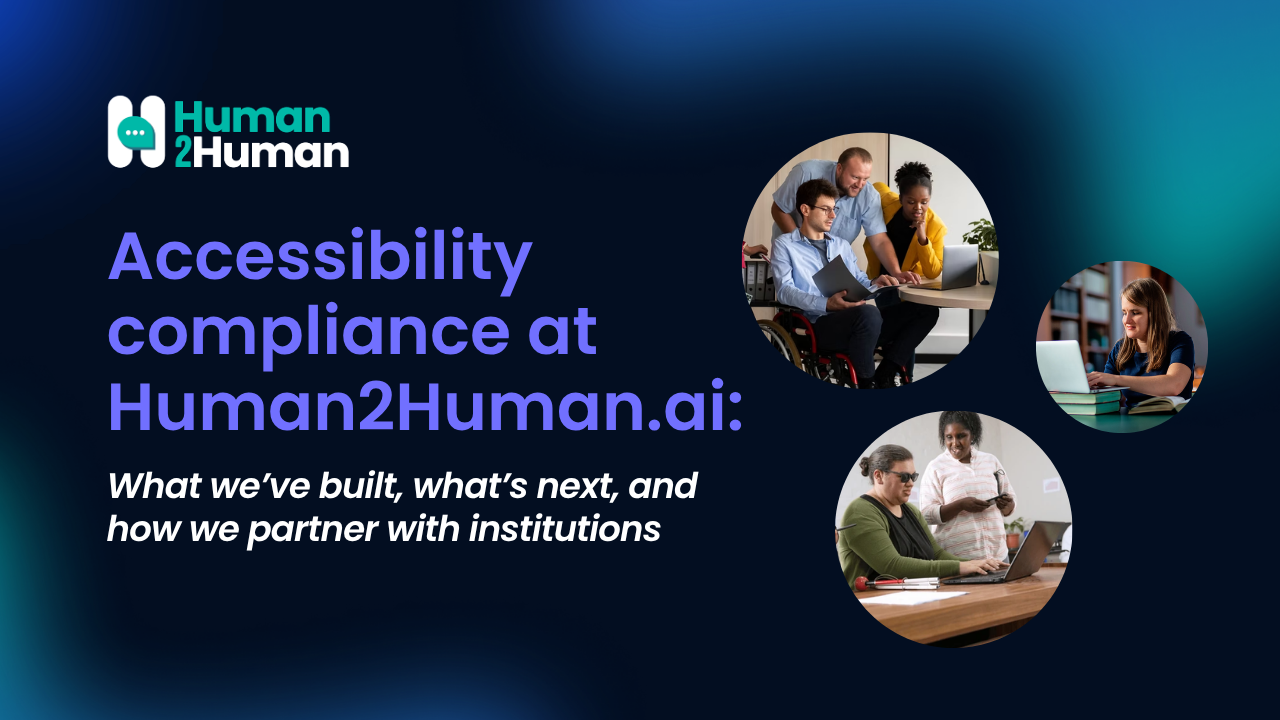
Accessibility isn’t a checklist item for us—it’s a prerequisite for meaningful participation.
Human2Human.ai enables real-time, AI-facilitated learning experiences where people join a session, engage in structured interaction, and receive feedback that supports learning outcomes. In this kind of environment, accessibility barriers don’t just create friction—they can exclude learners entirely. If someone can’t navigate a session, understand prompts, contribute in the moment, or review feedback afterward, the experience breaks down.
That’s why we approach accessibility as part of product quality: inclusive by design, continuously improved, and documented in a way that supports institutional review.
Our commitment: inclusive by design, built into core workflows
Human2Human is designed with accessibility in mind across the end-to-end learning journey—from designing activities and scheduling them to joining sessions, participating, and reviewing outcomes.
We prioritize functional accessibility so that learners and educators can participate regardless of input method or assistive technology. As the platform evolves, accessibility remains an ongoing effort, with improvements tracked and prioritized alongside product development.
Standards and scope: what “compliance” means in practice
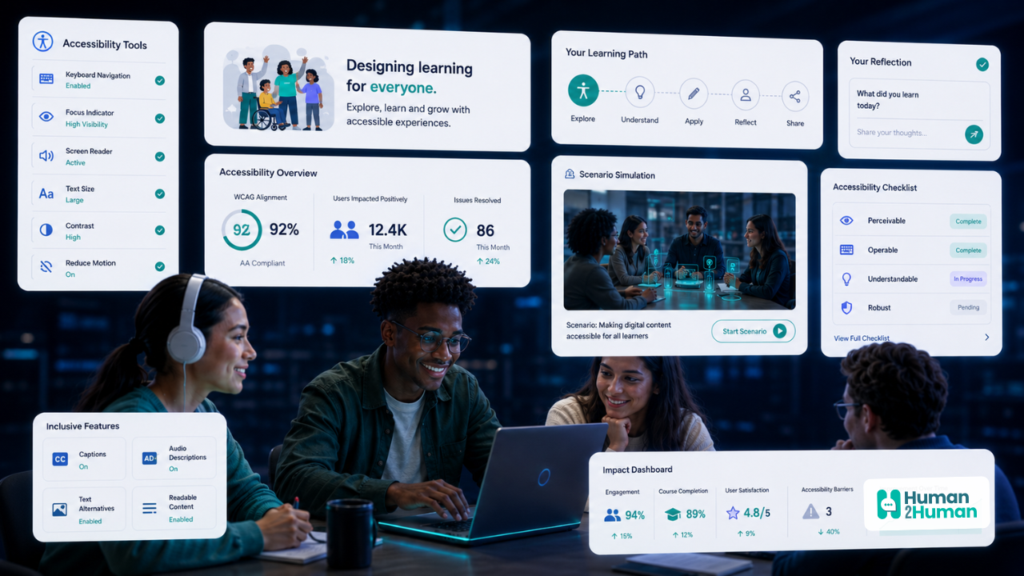
We aim to align with the Web Content Accessibility Guidelines (WCAG) 2.2, Level AA. In practice, that means we focus first on the requirements most critical to learning participation, content comprehension, and equitable interaction—especially in interactive, time-sensitive, multi-participant activities.
What we’ve implemented so far
Here are a few concrete examples of accessibility features and practices currently implemented and actively maintained across the platform:
- Keyboard-first operability across primary flows: Our primary user flows are designed to be operable using a keyboard only—without requiring a mouse. This includes key tasks like registration and login, creating and scheduling activities, joining sessions, participating in text-based activities, viewing feedback, and navigating dashboards and core analytics views.
- Clear focus indicators + shortcut help: Visible focus states help users understand where they are when navigating via keyboard. We also provide a keyboard shortcut menu that appears with “?”.
- Semantic structure and assistive-technology support: We use a logical heading structure and associate form fields with descriptive labels. Interactive elements are implemented using appropriate semantic HTML (for example, buttons and links where they belong), supporting screen readers and other assistive technologies.
- Visual contrast and distinct interaction states: Text and interactive elements are designed to meet WCAG AA color contrast requirements, and focus states are visually distinct to support keyboard and low-vision users.
- Multiple interaction modalities: Text-based interaction is supported as a core modality. When voice-based interaction is available, text interaction remains fully supported as an accessible alternative—so learners can participate regardless of audio or speech constraints.
Known limitations and how we handle them
We strive for broad accessibility, but we also believe in being transparent: some areas may not yet fully meet all WCAG 2.2 AA criteria. This can include advanced analytics or visualization components still being improved for screen-reader support, as well as new or experimental features that require additional refinements.
When gaps exist, we document them, prioritize them, and address them through our development roadmap—especially when they affect core participation and learning outcomes.
Conformance reporting for institutional review
For institutions and partners that need formal documentation, we maintain a VPAT aligned with WCAG 2.2 to describe our current level of support and known gaps. This is available upon request and can be used as part of procurement and compliance processes.
How we test and improve
Strong accessibility outcomes come from repeatable processes, not one-time audits.
Our approach includes:
- Regular reviews of core user flows
- Automated testing tools and manual checks
- Feedback loops from users, partners, and institutions, followed by remediation cycles
Feedback, support, and accommodation requests
If you encounter an accessibility barrier—or if you need an accommodation to fully participate in a learning activity—please contact us:
Email: accessibility@human2human.ai
When possible, include a description of the issue, the page or feature involved, and the assistive technology or browser you’re using. We’ll make reasonable efforts to respond and provide support in a timely manner.
Read our Accessibility Statement
For a detailed view of our current approach, standards alignment, known limitations, and contact information, see our Accessibility Statement here: https://human2human.ai/accessibility/
If you’re evaluating Human2Human.ai for an institutional environment, we’re happy to share our VPAT, walk through key workflows with your accessibility team, and incorporate feedback that helps your learners participate fully.